Place category
Every place belongs to a category. The page of a category opens from the Experience Wheel, from the search or by tapping the category on the page of a place.
Place categories
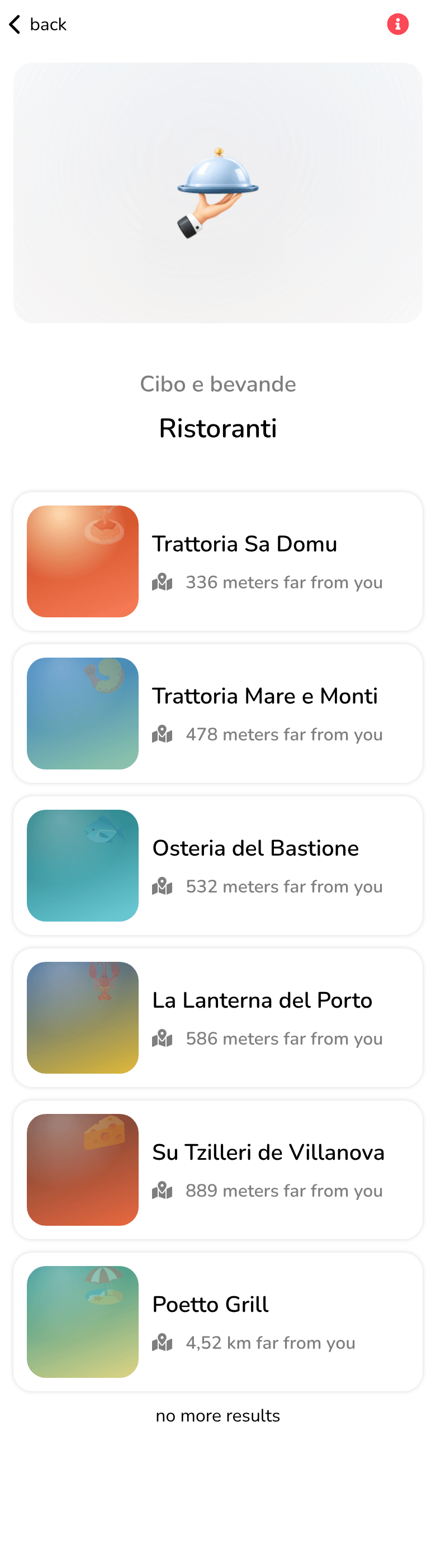
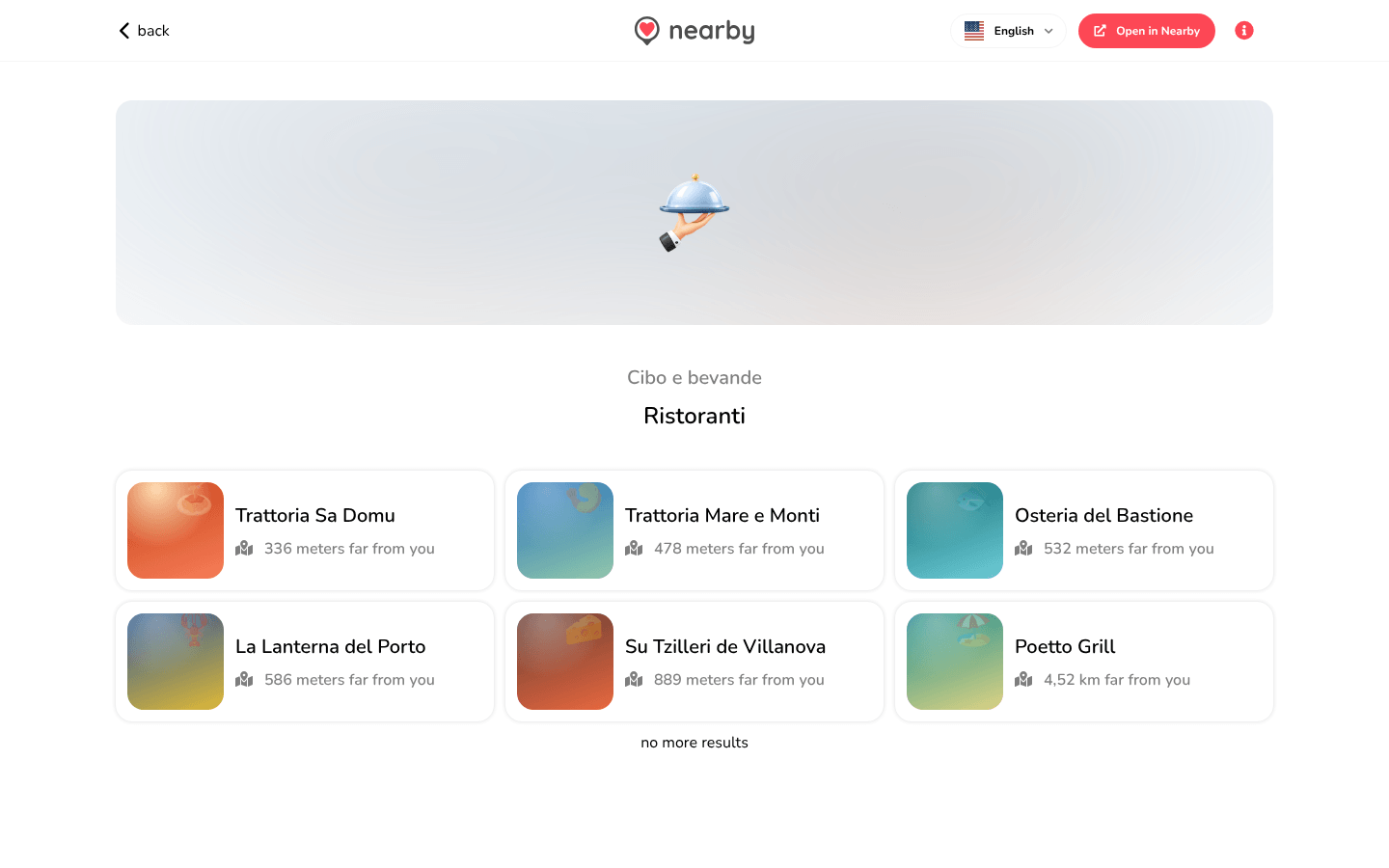
At the top, the category's icon and name, with a link to the main category. Below, the places in the category, each with its photo, name and distance (… far from you, or calculating the distance... while Nearby works it out).
Scrolling the list
More items load by themselves as you scroll (or with load more...). At the bottom, no more results appears, or no results... if the category is empty.
- 📱 Web mobile
- 💻 Web desktop
- 📲 App
The items are in a list, one below the other.
The items are in a grid of cards, over several columns.
The guide of the app is on its way
We are preparing the pages about the Nearby Community app for iPhone and Android, with its screens. In the meantime you can download it for free from the stores.
The available categories are listed in Points of Interest.