A user's profile
A user's profile opens from the address app.nearbycommunity.it/user/<username> (for example from a shared link) or from Managed by on a place page.
What you'll find
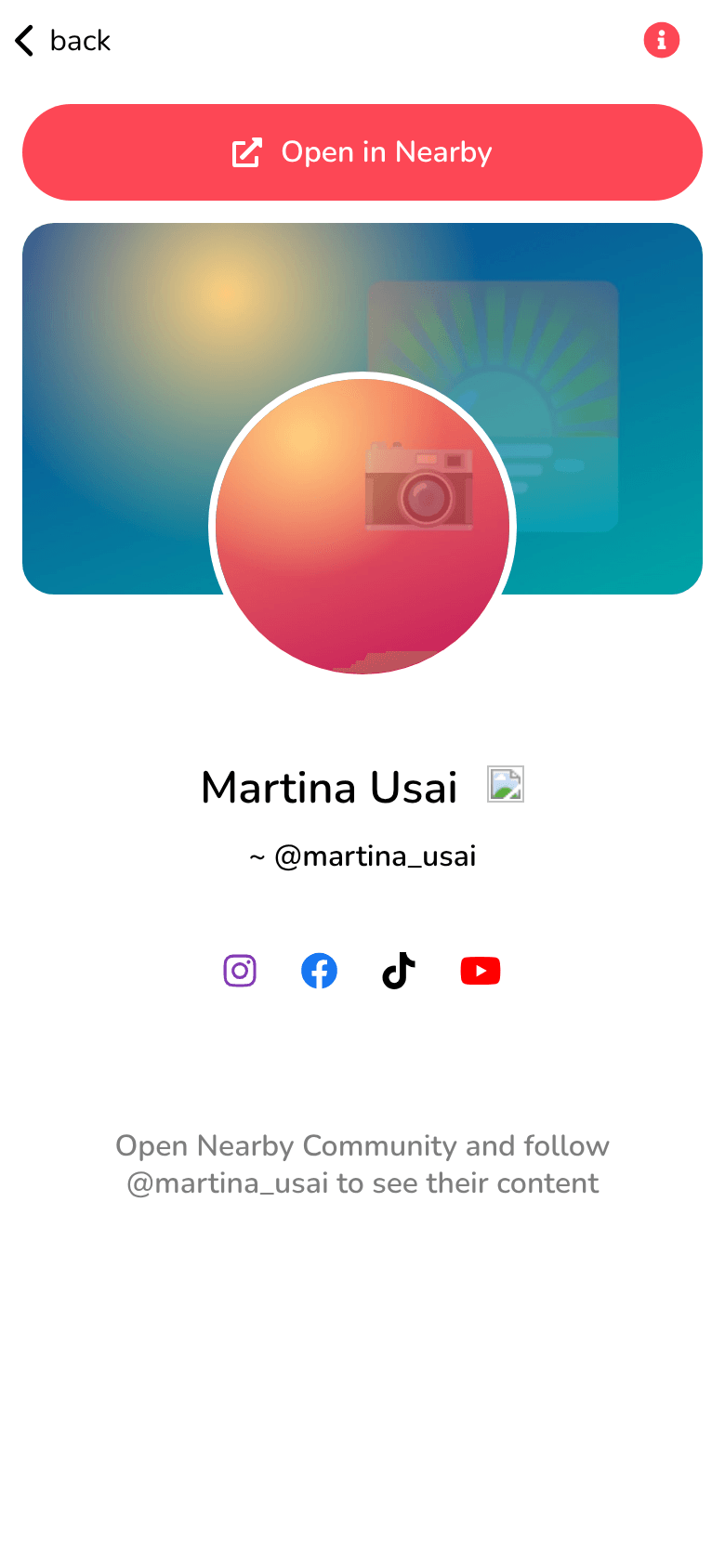
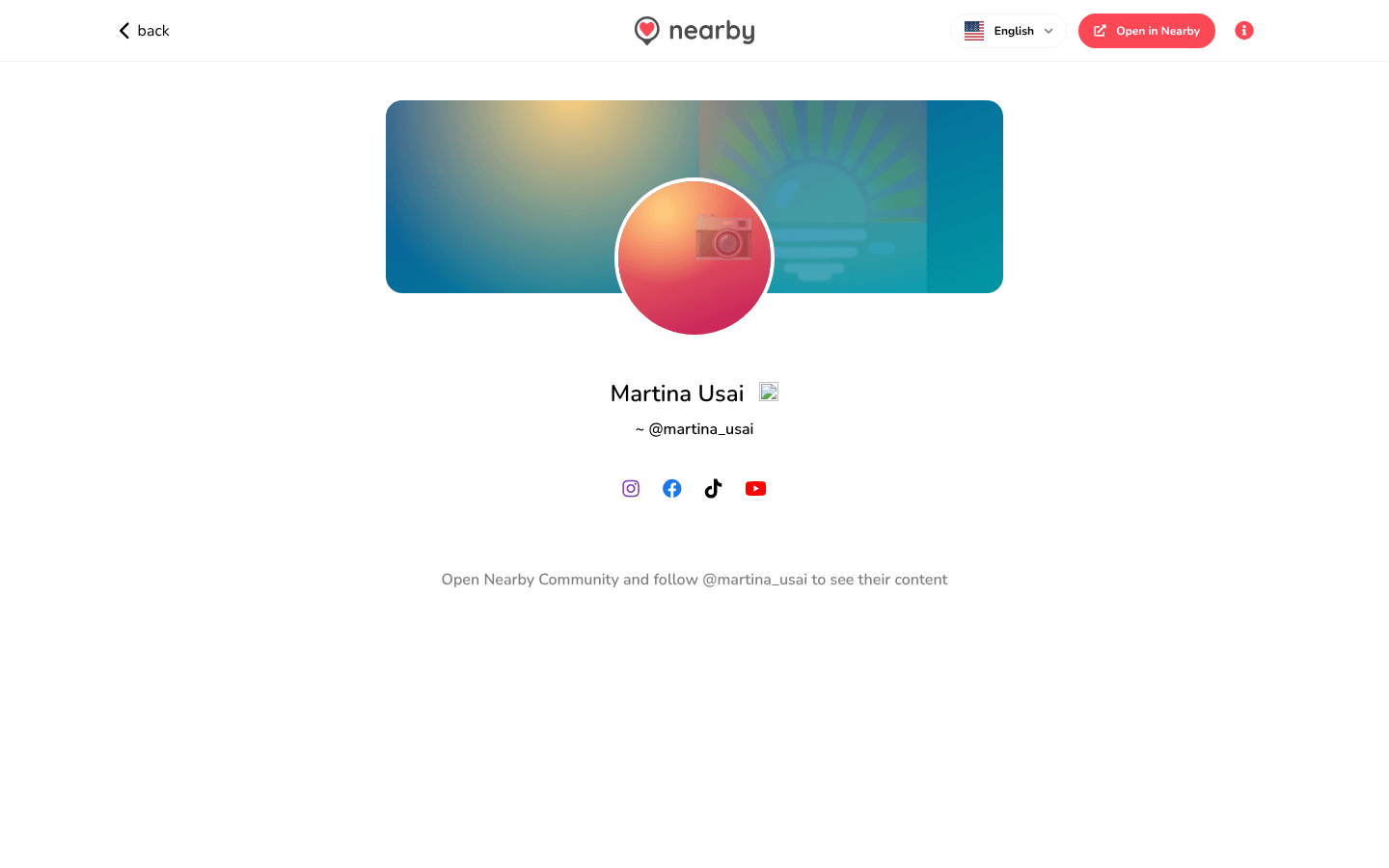
- the cover image and the profile photo;
- the name, with the badge if the user is verified, and below it ~ @username;
- links to their social media;
- Open in Nearby: opens the profile in the app.
Below, the invitation Open Nearby Community and follow … to see their content: posts, Tales, followers and the button to follow the user are only in the app.
- 📱 Web mobile
- 💻 Web desktop
- 📲 App
The profile fills the whole width of the screen.
The profile is in a narrow column in the centre of the page.
Coming soon
The guide of the app is on its way
We are preparing the pages about the Nearby Community app for iPhone and Android, with its screens. In the meantime you can download it for free from the stores.
The badges you may find next to the name are described in Users and badges.