Smart AI suggestions
Nearby's Smart AI suggests places, events and people to discover in an area.
Opening the suggestions
- 📱 Web mobile
- 💻 Web desktop
- 📲 App
- On the map, press and hold the spot you're interested in for half a second.
- While Nearby searches, the Smart AI icon pulses in the bubble; then Discover appears with the name of the city and a few photos (this area if there's no name).
- Tap the bubble.
- On the map, right-click the spot you're interested in.
- While Nearby searches, the Smart AI icon pulses in the bubble; then Discover appears with the name of the city and a few photos (this area if there's no name).
- Click the bubble.
The guide of the app is on its way
We are preparing the pages about the Nearby Community app for iPhone and Android, with its screens. In the meantime you can download it for free from the stores.
If there's no city at that spot, No city found here appears: try a little closer to a town.
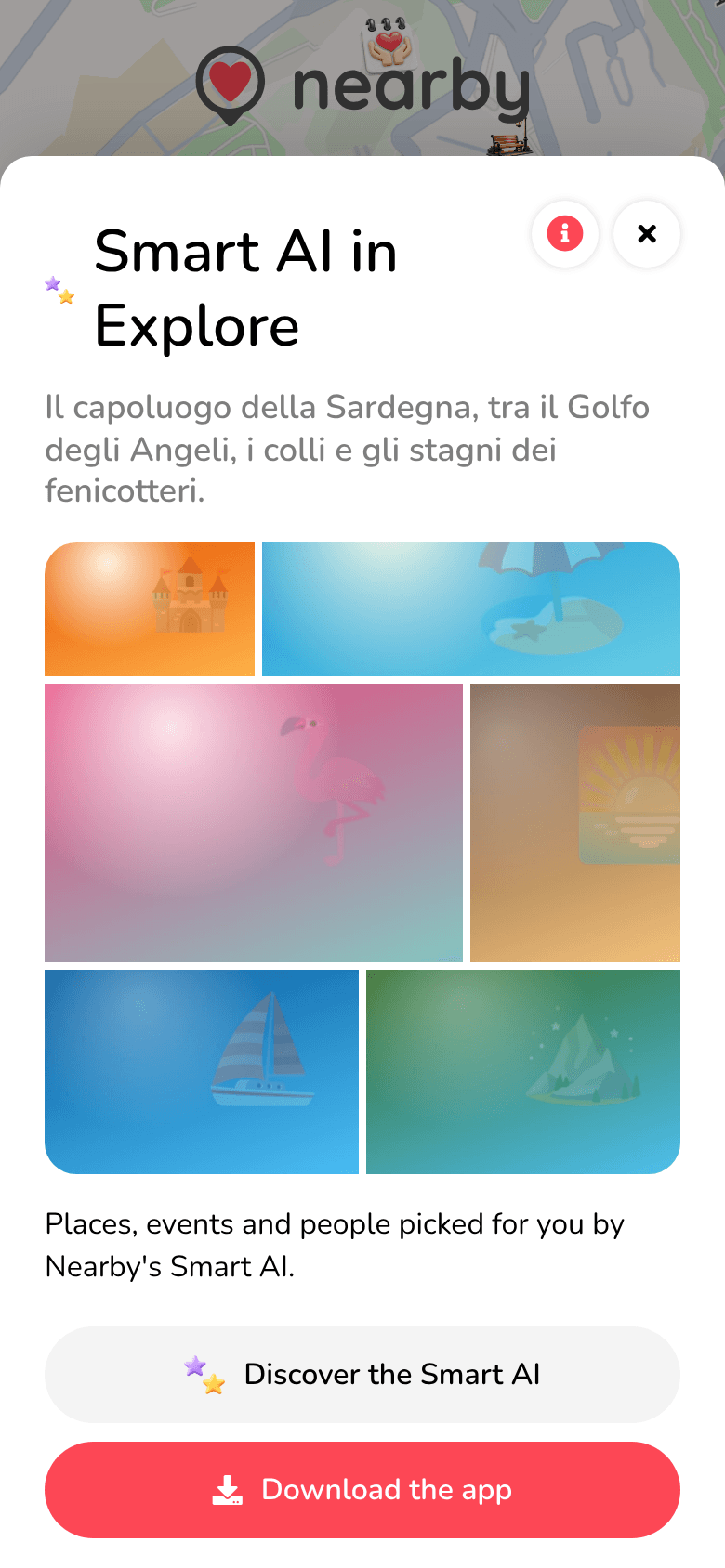
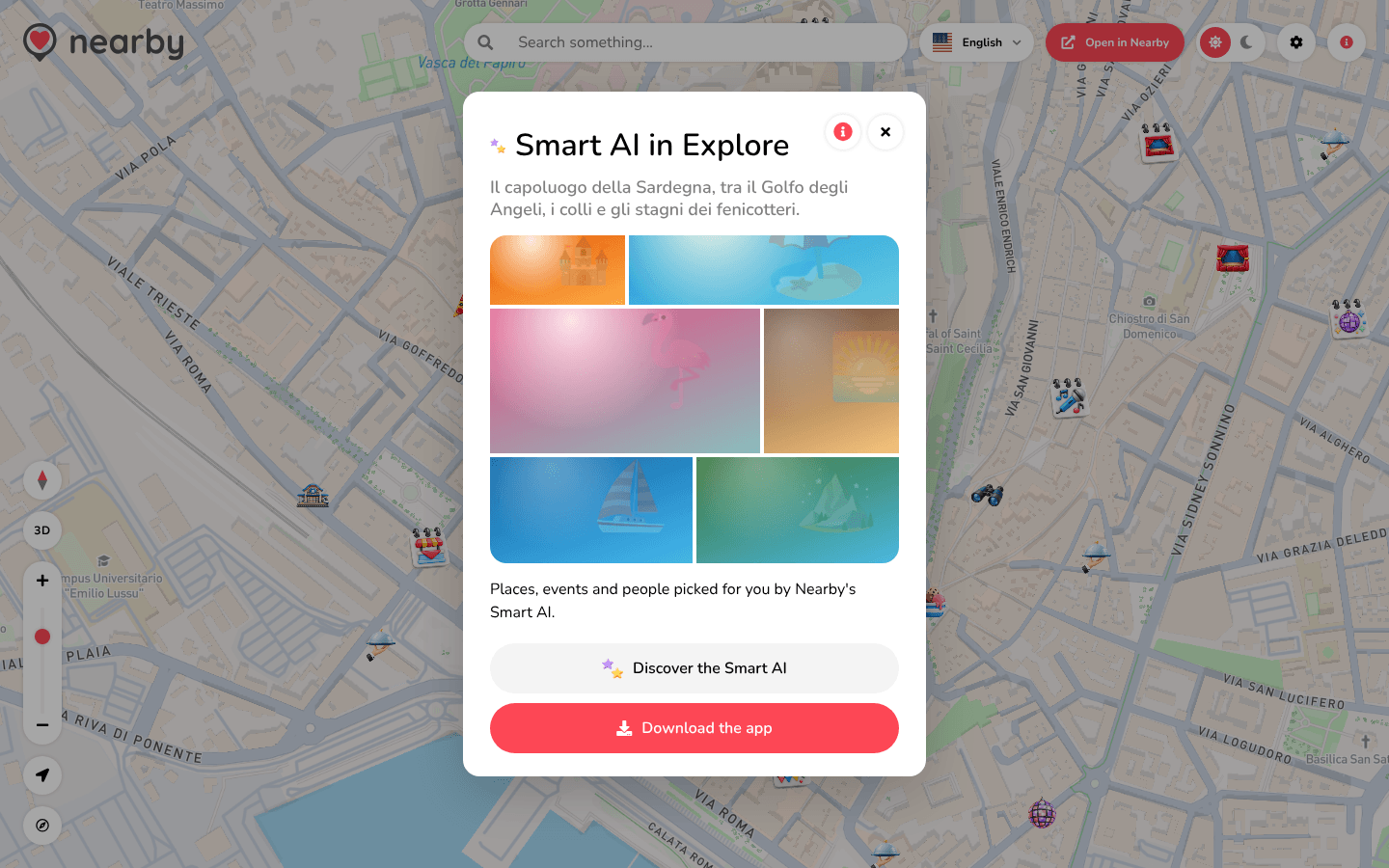
Smart AI in Explore
Smart AI in Explore opens, with a description of the city and a mosaic of photos: Places, events and people picked for you by Nearby's Smart AI.
- Discover the Smart AI opens the Smart AI page on the Nearby website.
- Download the app takes you to the store: the full suggestions, with the Smart AI settings (maximum distance, only your interests), are in the app.
- 📱 Web mobile
- 💻 Web desktop
- 📲 App
The window opens from the bottom, full width.
The window opens in the centre of the page.
The guide of the app is on its way
We are preparing the pages about the Nearby Community app for iPhone and Android, with its screens. In the meantime you can download it for free from the stores.