Your first visit
On your first visit to the web app a few things happen, just once.
Cookies
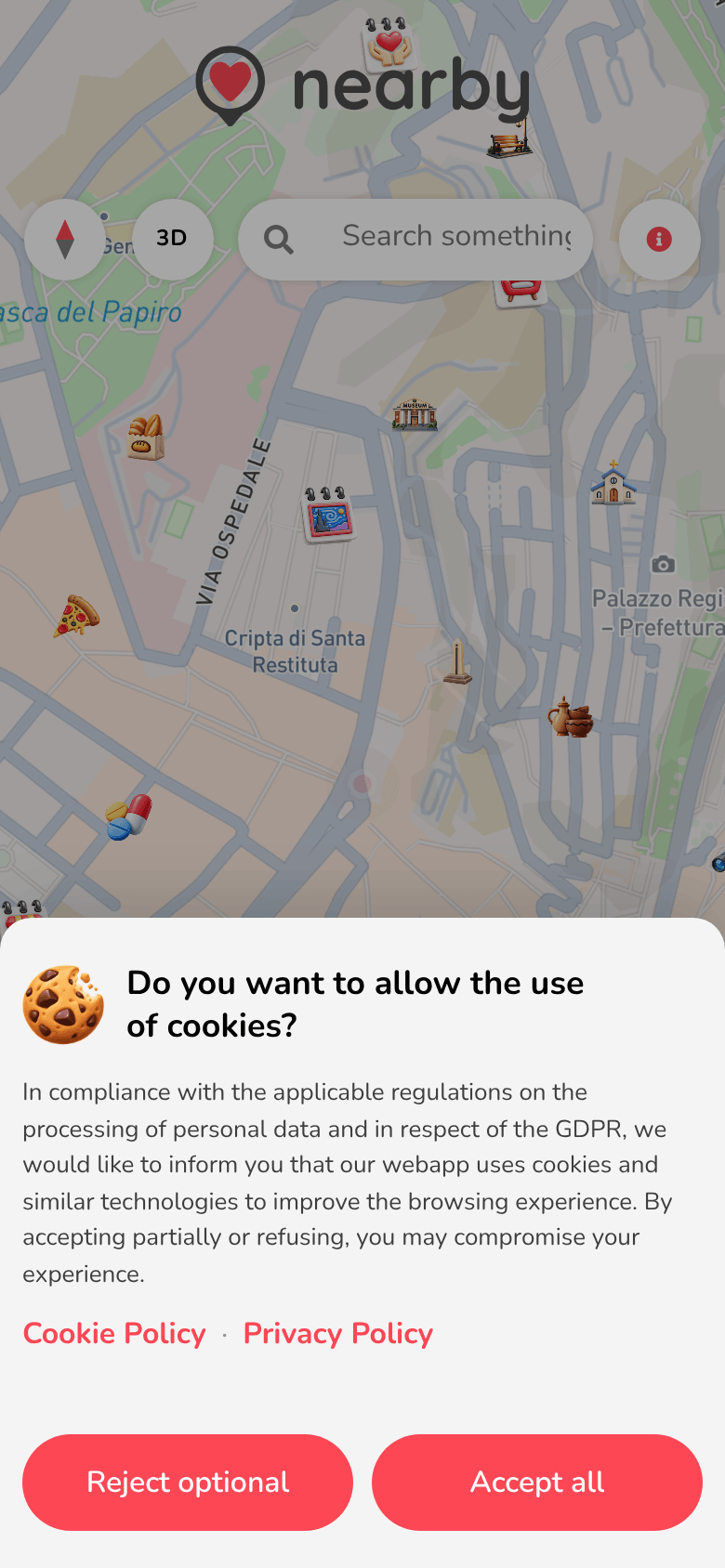
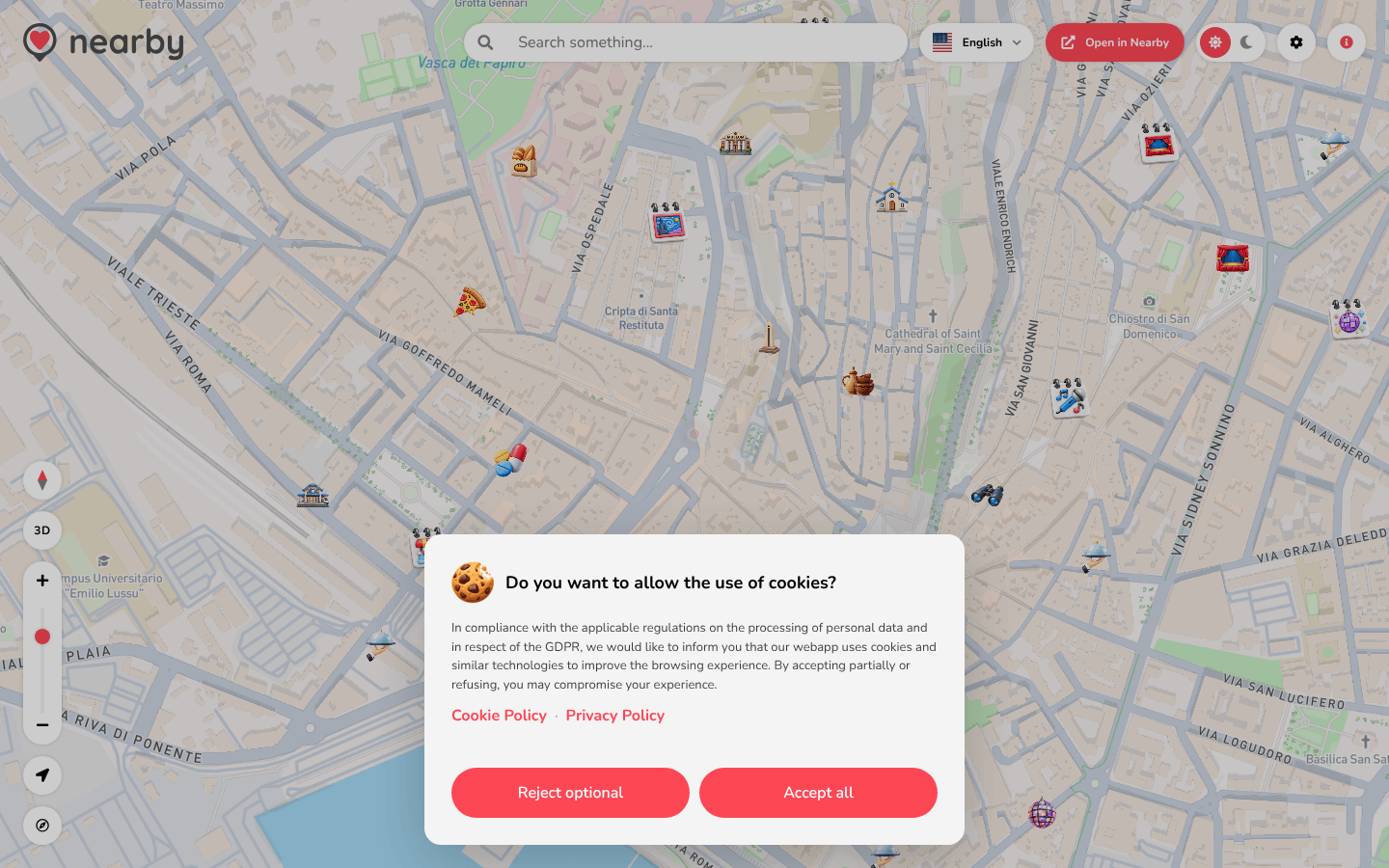
Do you want to allow the use of cookies? appears, explaining how the web app uses cookies, with links to the Cookie Policy and the Privacy Policy.
- Accept all: you also allow the optional cookies.
- Reject optional: only the technical cookies, which the web app needs to work.
Until you choose, the request stays open. You can change your mind at any time in Settings → Cookie preferences (see Settings).
- 📱 Web mobile
- 💻 Web desktop
- 📲 App
The request opens from the bottom, full width.
The request is a box at the bottom centre of the page.
The guide of the app is on its way
We are preparing the pages about the Nearby Community app for iPhone and Android, with its screens. In the meantime you can download it for free from the stores.
Language
Nearby automatically picks your browser's language (if it isn't one of the available languages, it uses Italian). You can change it at any time: see Settings.
Location
When the map opens, the browser asks whether Nearby can use your location:
- if you allow it, the map centres on you and a dot follows your position;
- if you don't allow it, the map uses your last known location or a default view: you can still move around and search for a place.
Your location is only used to show you what's around you and to work out distances. To change your choice, use your browser's settings for the app.nearbycommunity.it site.
The invitation to download the app
After about a minute of browsing, Discover the App! appears, inviting you to download the app. If you close it with Not now, it won't appear again for a few days. See Downloading the app.