Searching
Quick search
Type in the Search something... field at the top of the map: results appear as you type, divided into
- events and points of interest: they open their page;
- place categories: they open the category page (see Categories);
- cities and localities: the map moves to that place.
If nothing is found, no results appears. To close the search, tap (or click) outside the results.
- 📱 Web mobile
- 💻 Web desktop
- 📲 App
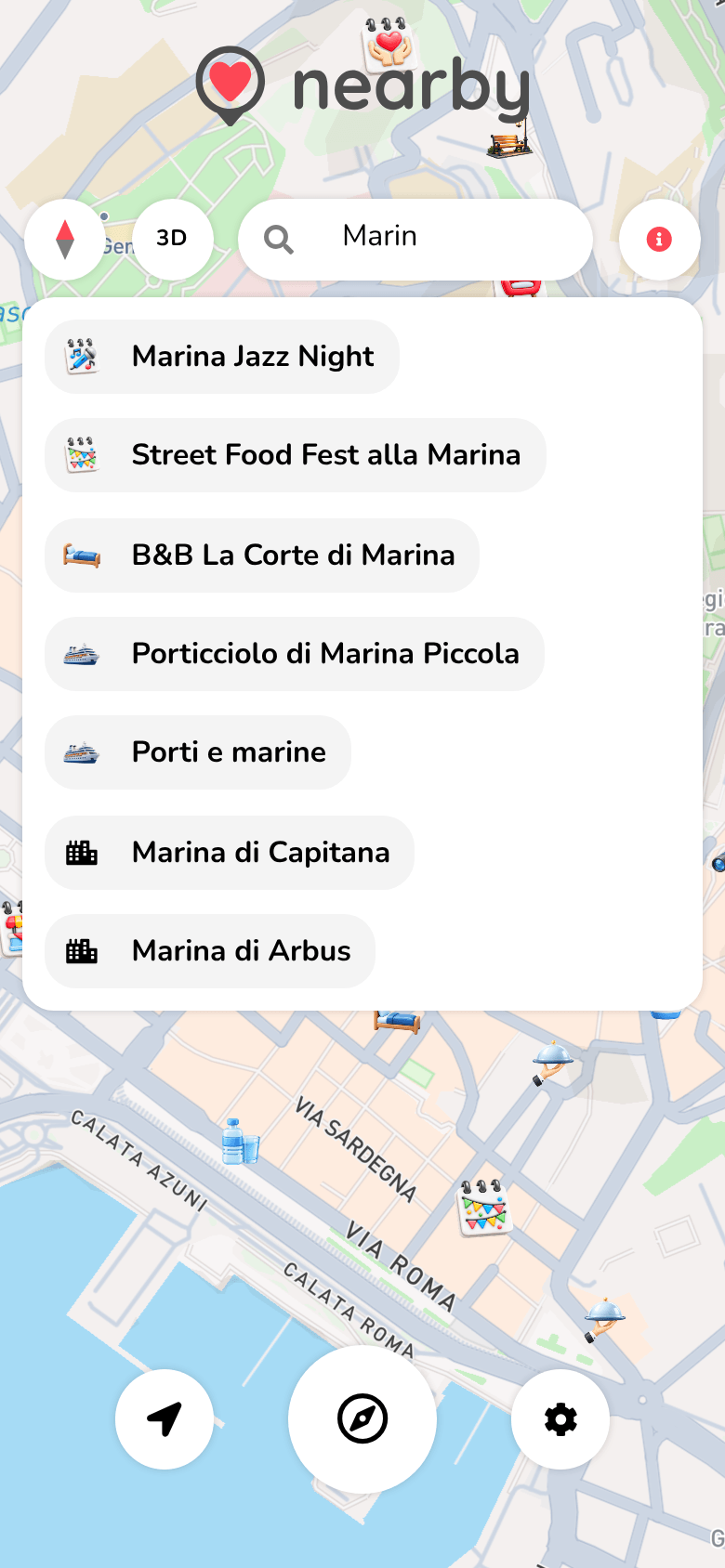
The results open below the search field, over the map.
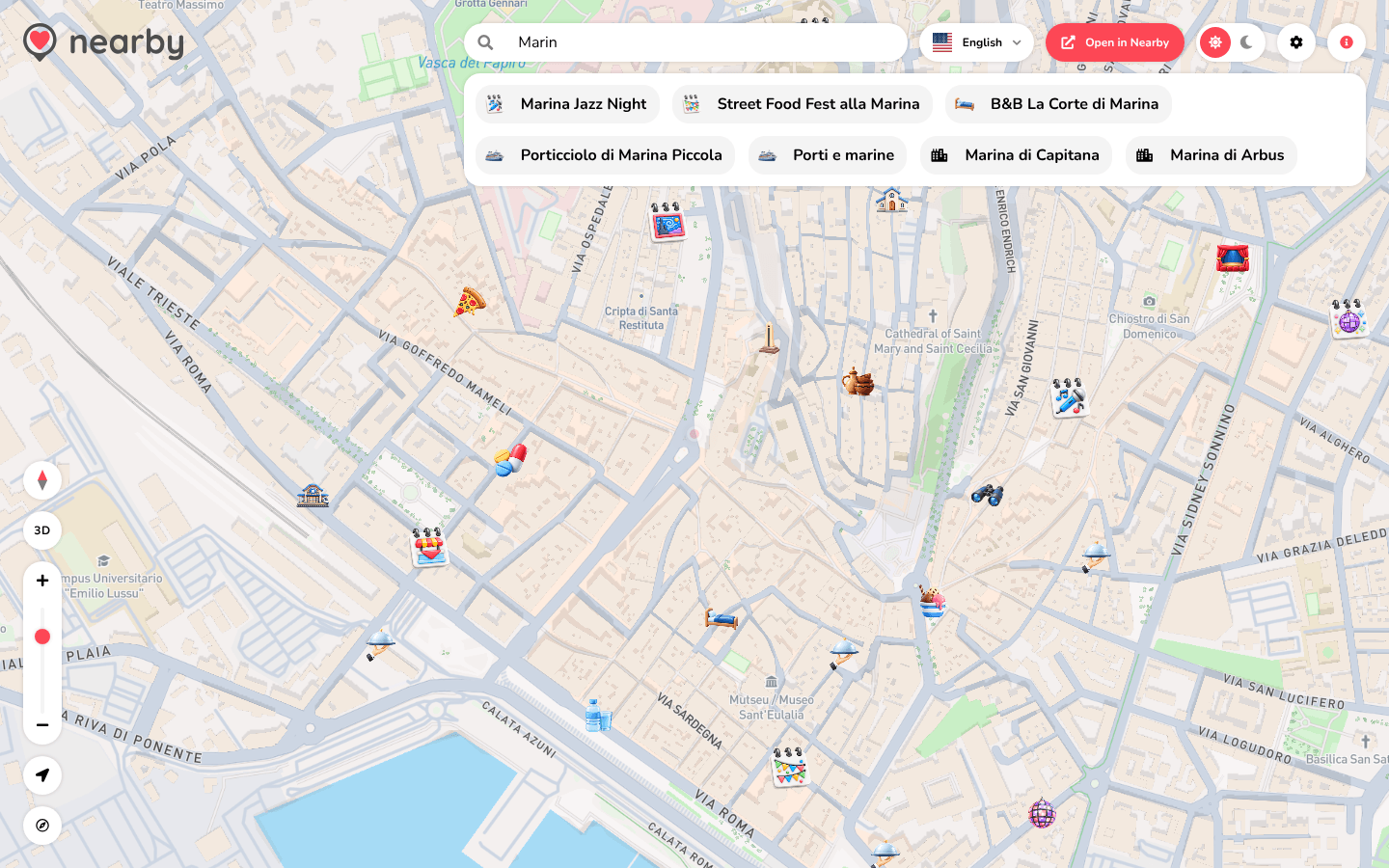
The results open in a box just below the search field, at the top right.
Coming soon
The guide of the app is on its way
We are preparing the pages about the Nearby Community app for iPhone and Android, with its screens. In the meantime you can download it for free from the stores.