Settings
Opening the settings
- 📱 Web mobile
- 💻 Web desktop
- 📲 App
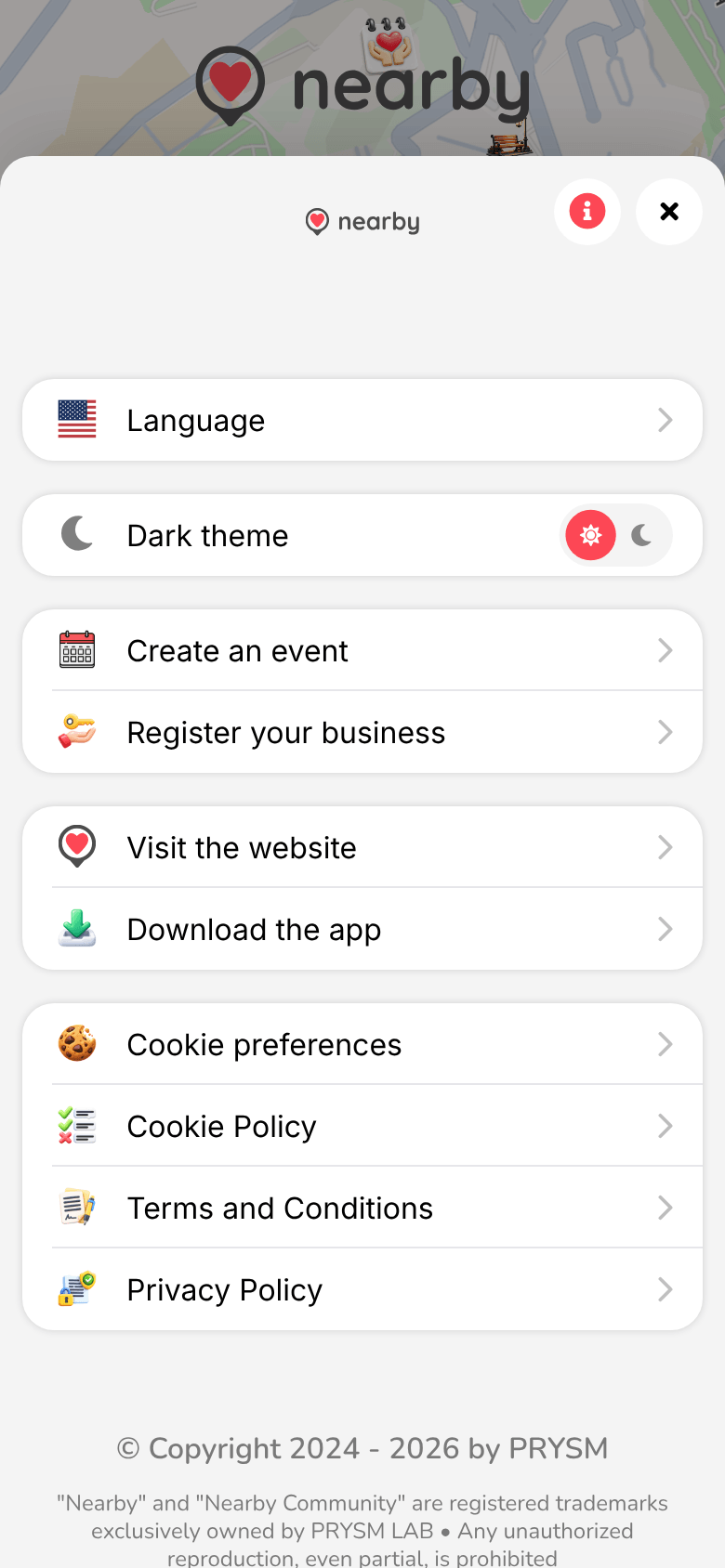
On the map, tap the gear ⚙ at the bottom. The settings open from the bottom; ✕ closes them.
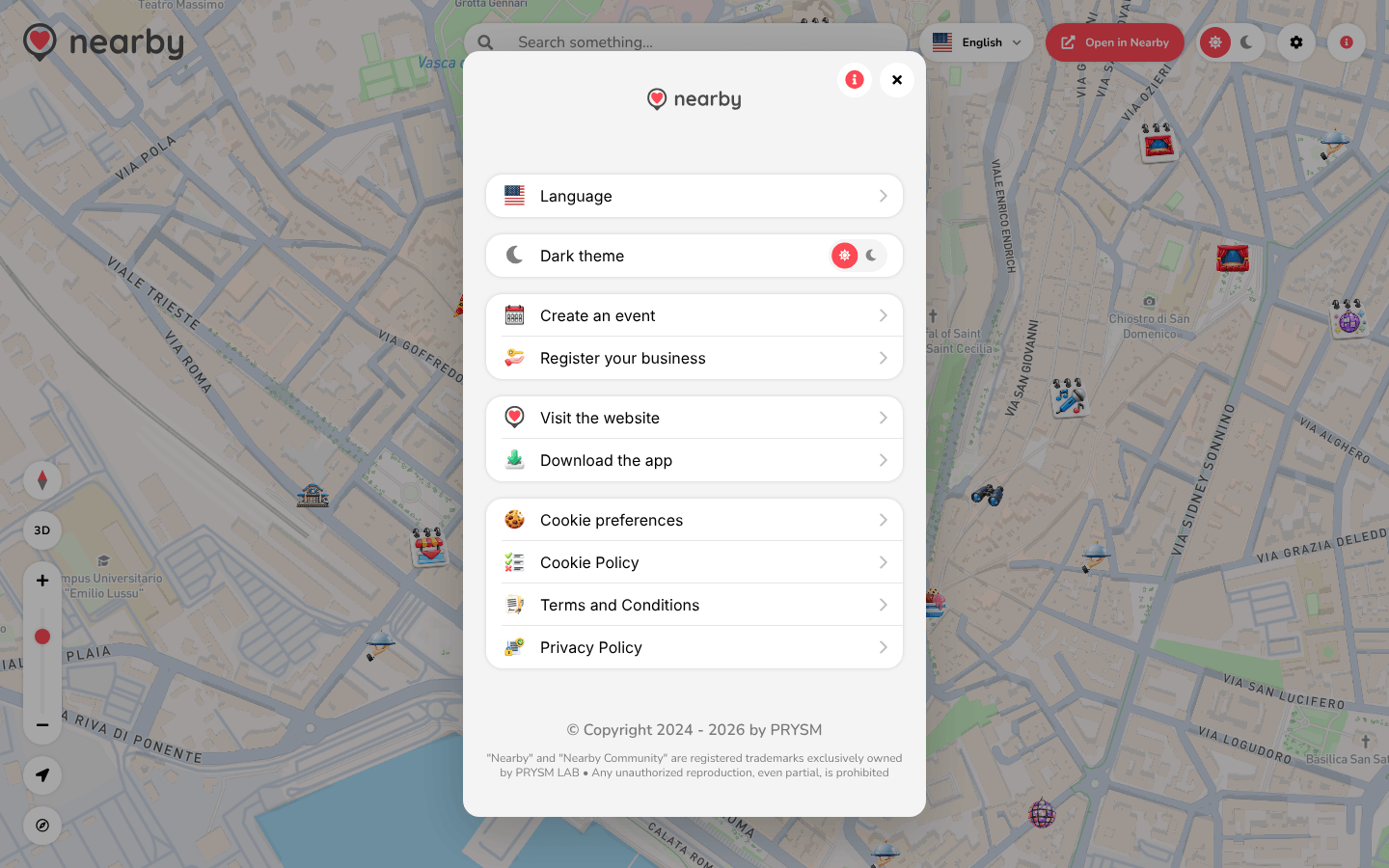
On the map, click the gear ⚙ at the top right. The settings open in the centre of the page; ✕ closes them.
The guide of the app is on its way
We are preparing the pages about the Nearby Community app for iPhone and Android, with its screens. In the meantime you can download it for free from the stores.
The options
| Option | What it does |
|---|---|
| Language | chooses the language (see below) |
| Dark theme | switches from the light theme to the dark one |
| Create an event | opens the request to be enabled for events on the website |
| Register your business | opens the request to add a place on the website |
| Visit the website | opens www.nearbycommunity.it |
| Download the app | opens the invitation to download the app |
| Cookie preferences | reopens the cookie choice |
| Cookie Policy, Terms and Conditions, Privacy Policy | the legal documents (see below) |
At the bottom there's the Nearby Community copyright notice.
Language
Nearby is available in many languages, including Italian, English, French, Spanish, German and Sardinian. At first it uses your browser's language.
- 📱 Web mobile
- 💻 Web desktop
- 📲 App
Settings → Language: the list of languages opens in full screen. After changing it, reload the page to translate the content that's already open too.
Use the menu with the flag at the top (on the map and on the pages), or Settings → Language. When you choose from the menu, the page reloads in the new language.
The guide of the app is on its way
We are preparing the pages about the Nearby Community app for iPhone and Android, with its screens. In the meantime you can download it for free from the stores.
A link can also set the language: add ?lang=en (or ?lang=it…) to the address, or put it at the start of the path, for example app.nearbycommunity.it/en-us/…. The choice stays saved in the browser.
Theme
The light theme is the default: your choice stays saved in the browser and also changes the style of the map.
- 📱 Web mobile
- 💻 Web desktop
- 📲 App
Settings → Dark theme.
The theme switch in the bar at the top of the map, or Settings → Dark theme.
The guide of the app is on its way
We are preparing the pages about the Nearby Community app for iPhone and Android, with its screens. In the meantime you can download it for free from the stores.
Legal documents
Terms and Conditions, Privacy Policy and Cookie Policy open inside the web app, with the Last updated date. Read on the website opens the same document on nearbycommunity.it. If the document doesn't load, Document unavailable appears: press Try again.