The event page
An event page opens from the map, from search, from the categories or from a shared link (nrb.to/e/…).
How it's laid out
- 📱 Web mobile
- 💻 Web desktop
- 📲 App
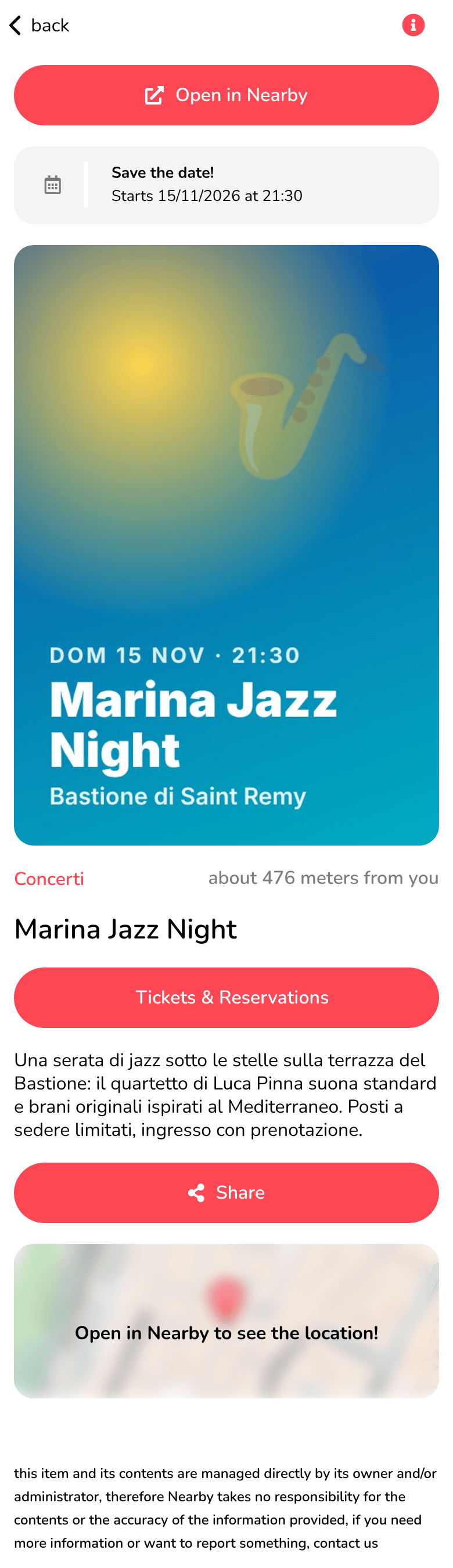
Everything is in one column. At the top, back takes you to the previous page; below the poster there's Open in Nearby.
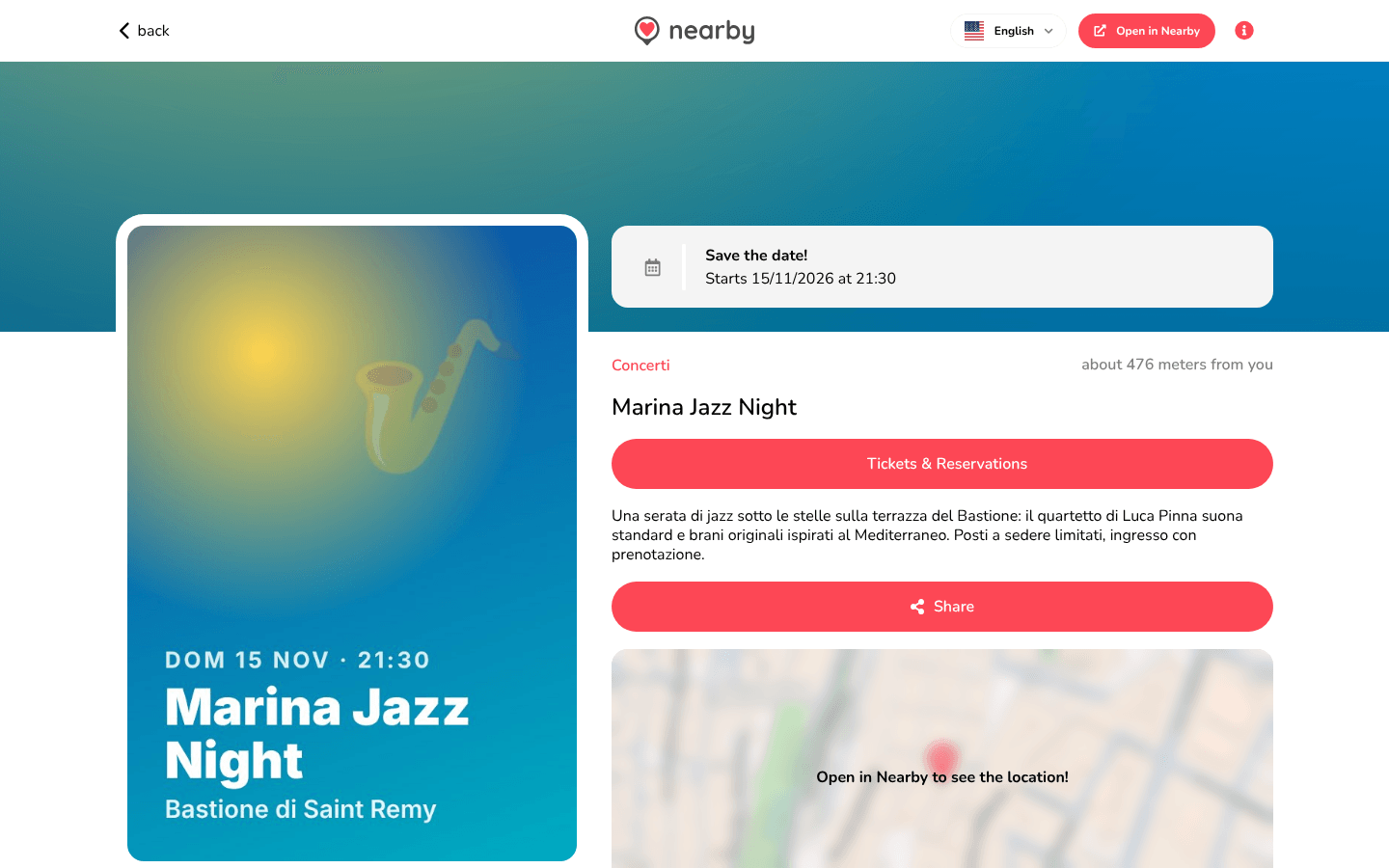
Two columns: on the left the poster, which stays still while you scroll, and on the right the information. At the top there are back, the logo (back to the map), the language menu and Open in Nearby. If you open the event from the map, the same information is in the panel on the right, with Open full page.
The guide of the app is on its way
We are preparing the pages about the Nearby Community app for iPhone and Android, with its screens. In the meantime you can download it for free from the stores.
The information
- When:
- before it starts, Save the date! and Starts … at …;
- while it's on, Event underway! and it started at …;
- after it ends, Event Ended and It was … at ….
- The poster (or the category icon, if there isn't one).
- The category, which opens the category page, and the distance: about … from you.
- The event's name.
- Tickets & Reservations: shown if the organiser has given a page for tickets and the event hasn't ended. It opens the external page (see External links).
- The description: ... Read more shows all of it, ... Read less shortens it.
- Share (see Sharing).
- The map of the location: Open in Nearby to see the location!; tapping it opens the event in the app, with directions.
At the bottom there's the note: this item and its contents are managed directly by its owner. To report a problem, see Guidelines.
Events are published from the Workspace: see Events.