Opening Nearby
The web app
- 📱 Web mobile
- 💻 Web desktop
- 📲 App
- Open your phone's browser (Safari, Chrome…).
- Go to
app.nearbycommunity.it. - The map of the area around you opens: on your first visit the browser asks for your location (see Your first visit).
There's nothing to install. If you want to always have it to hand, use your browser's option to add it to your Home Screen:
- iPhone (Safari): tap Share, then Add to Home Screen;
- Android (Chrome): tap the ⋮ menu, then Add to Home screen (or Install app).
The icon opens the map directly, in full screen.
- Open your computer's browser (Chrome, Edge, Firefox or Safari).
- Go to
app.nearbycommunity.it. - The map opens in full screen: on your first visit the browser asks for your location (see Your first visit).
The computer version switches on by itself when the window is at least 1024 pixels wide. If you make the window much smaller, the page switches to the phone layout.
The guide of the app is on its way
We are preparing the pages about the Nearby Community app for iPhone and Android, with its screens. In the meantime you can download it for free from the stores.
Downloading the app
The Nearby Community app is free, for iPhone and Android:
The address app.nearbycommunity.it/download also takes you to the right store for your phone.
- 📱 Web mobile
- 💻 Web desktop
- 📲 App
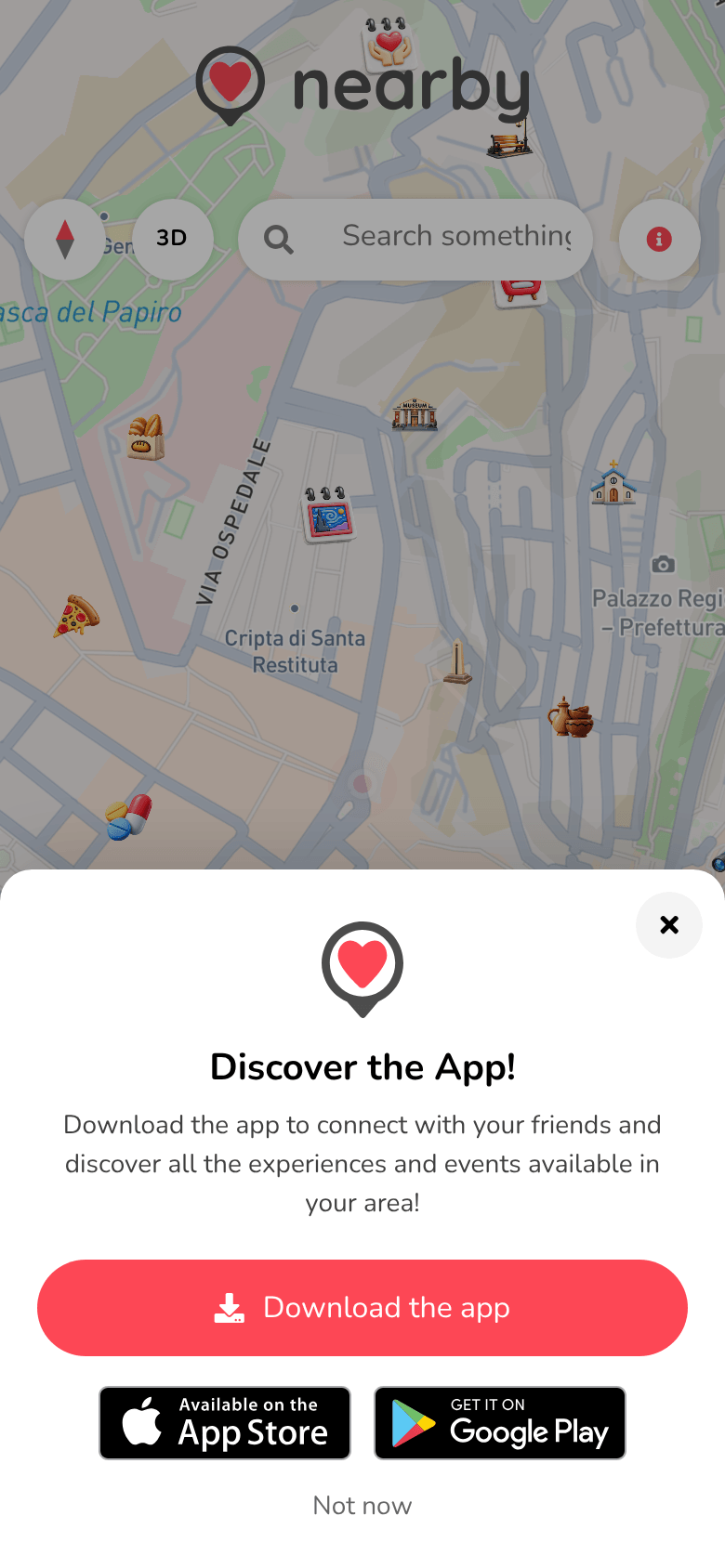
While you're using the web app, after a while Discover the App! appears: tap Download the app to open your phone's store, or Not now to carry on in the browser. If you close it, it won't appear again for a few days.
You can also find it in Settings (the gear on the map) → Download the app.
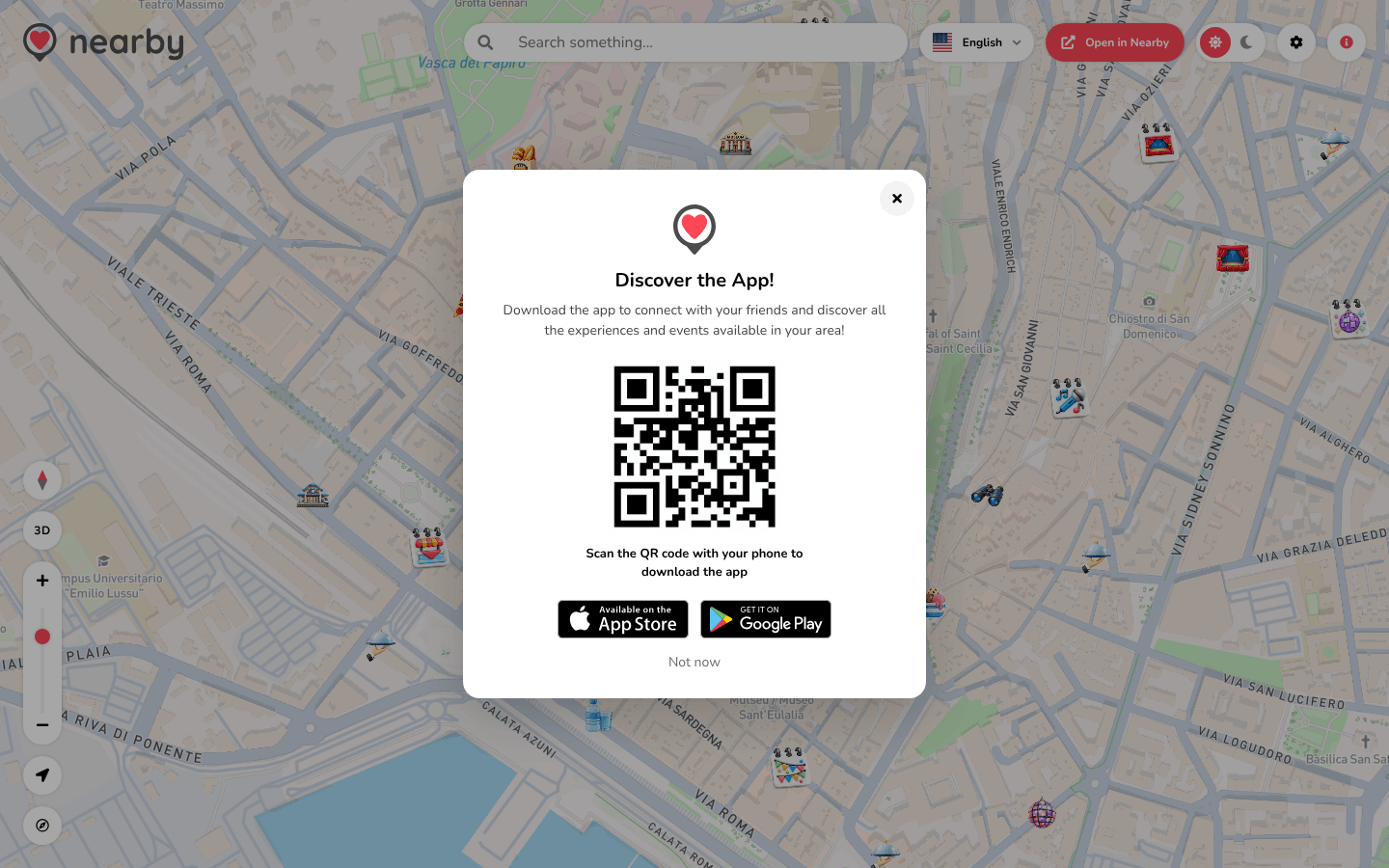
While you're using the web app, after a while Discover the App! appears with a QR code: Scan the QR code with your phone to download the app. Below it are the App Store and Google Play buttons, and Not now to close it.
You can also find it in Settings (the gear at the top right) → Download the app.
The guide of the app is on its way
We are preparing the pages about the Nearby Community app for iPhone and Android, with its screens. In the meantime you can download it for free from the stores.
For everything to work properly, always keep the app up to date: when an important version comes out, the app tells you when you open it.
Opening in the app
On every event, place or profile page there's Open in Nearby: it opens the same page in the app. See Sharing and opening in the app.