The place page
The page of a point of interest (a business, a monument, a beach…) opens from the map, from search, from the categories or from a shared link (nrb.to/p/…).
How it's laid out
- 📱 Web mobile
- 💻 Web desktop
- 📲 App
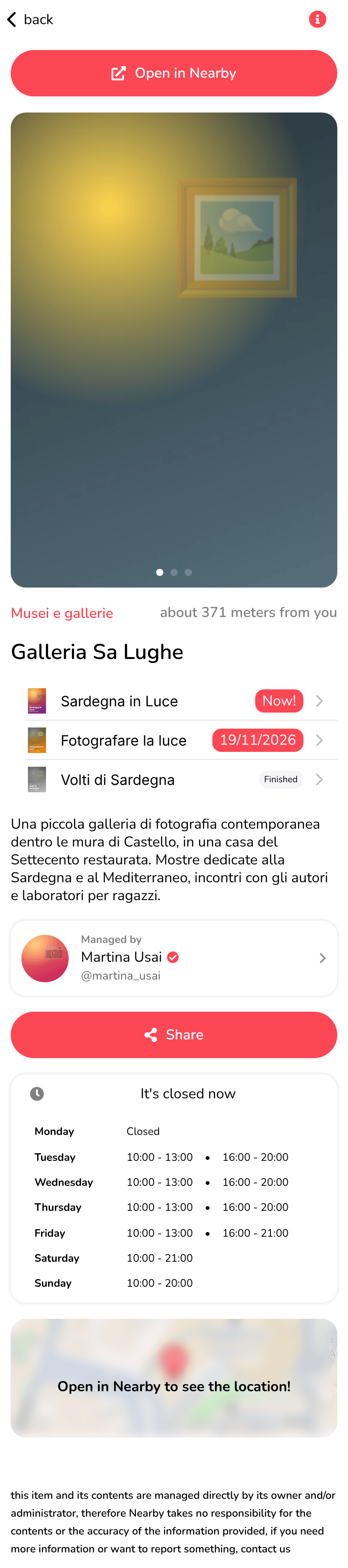
Everything is in one column. At the top, back takes you to the previous page; below the photos there's Open in Nearby.
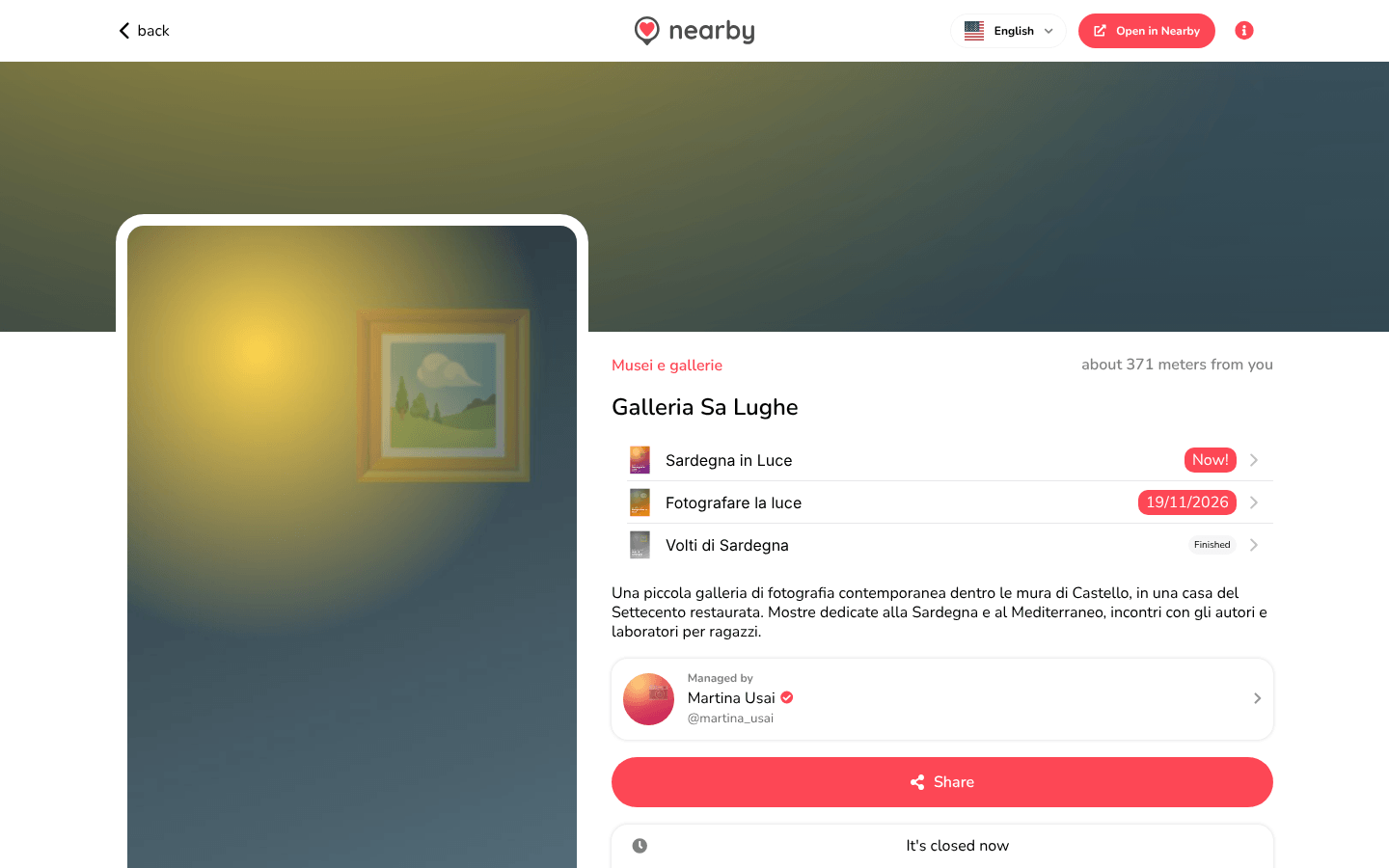
Two columns: on the left the photos, which stay still while you scroll, and on the right the information. At the top there are back, the logo (back to the map), the language menu and Open in Nearby. If you open the place from the map, the same information is in the panel on the right, with Open full page.
The guide of the app is on its way
We are preparing the pages about the Nearby Community app for iPhone and Android, with its screens. In the meantime you can download it for free from the stores.
The information
- The photos: swipe through them with your finger (or by dragging them); the dots below show which one you're on.
- The category, which opens the category page, and the distance.
- The place's name.
- The events at this place, with Now!, the date or Finished: each one opens the event page.
- The description, with ... Read more and ... Read less.
- Managed by: who manages the place, with their @username, if the manager has chosen to be public. It opens their profile.
- Share (see Sharing).
- The opening hours: Always Open, or It's open now / It's closed now and the weekly table, with the closing days (Closed).
- The map of the place: tapping it opens the place in the app, with directions.
At the bottom there's the note: this item and its contents are managed directly by its owner.
Emergency places
On places in the emergency categories (hospitals, first aid, defibrillators…) there's a box at the top: If you have an emergency, don't hesitate · Call now 112. Tapping it on your phone calls 112.
The list of emergency services may contain inaccuracies, missing places or wrong locations. In an emergency, call the emergency number straight away, without relying on online services.
The place's contacts (phone, email, website), digital menu and directions are available in the app: use Open in Nearby.