The Experience Wheel
It opens from the map with the compass button.
How to use it
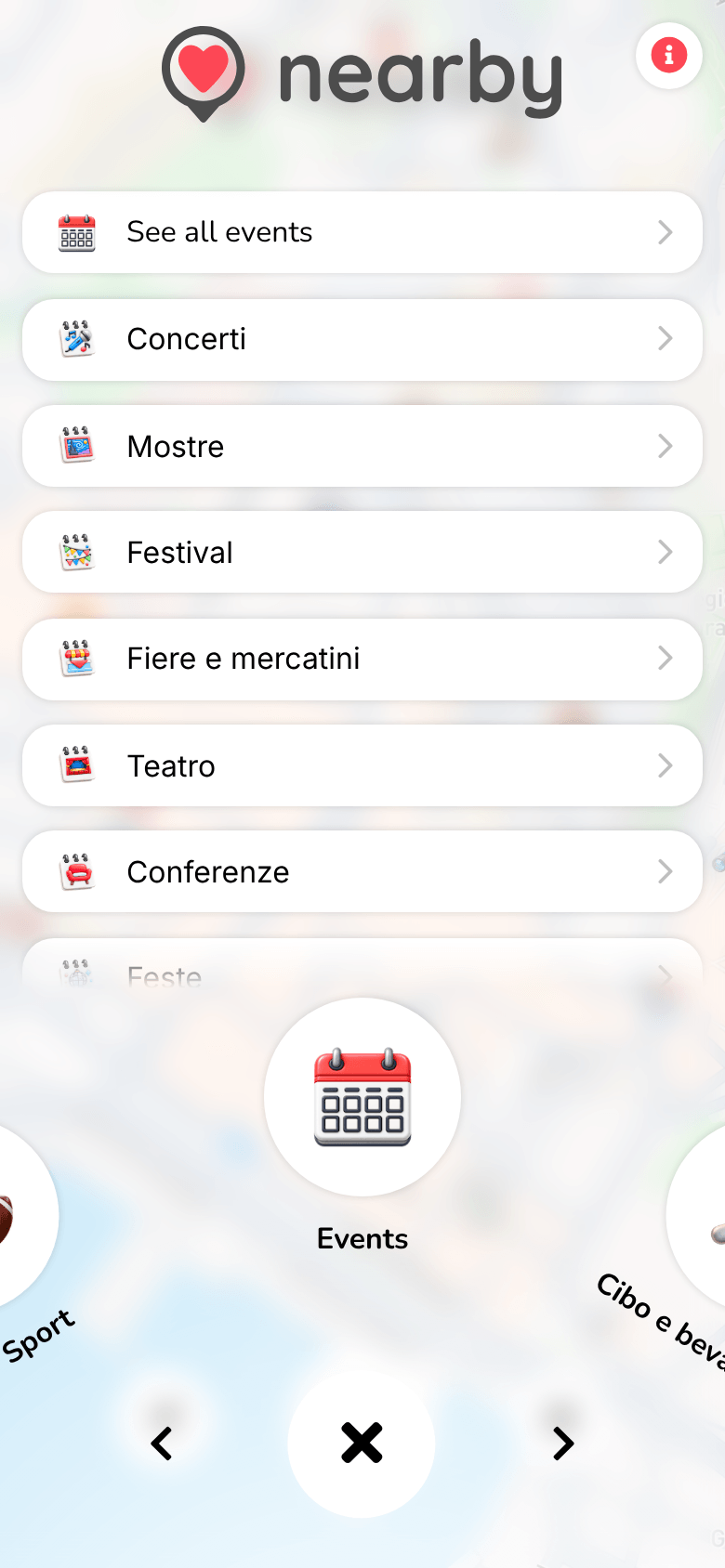
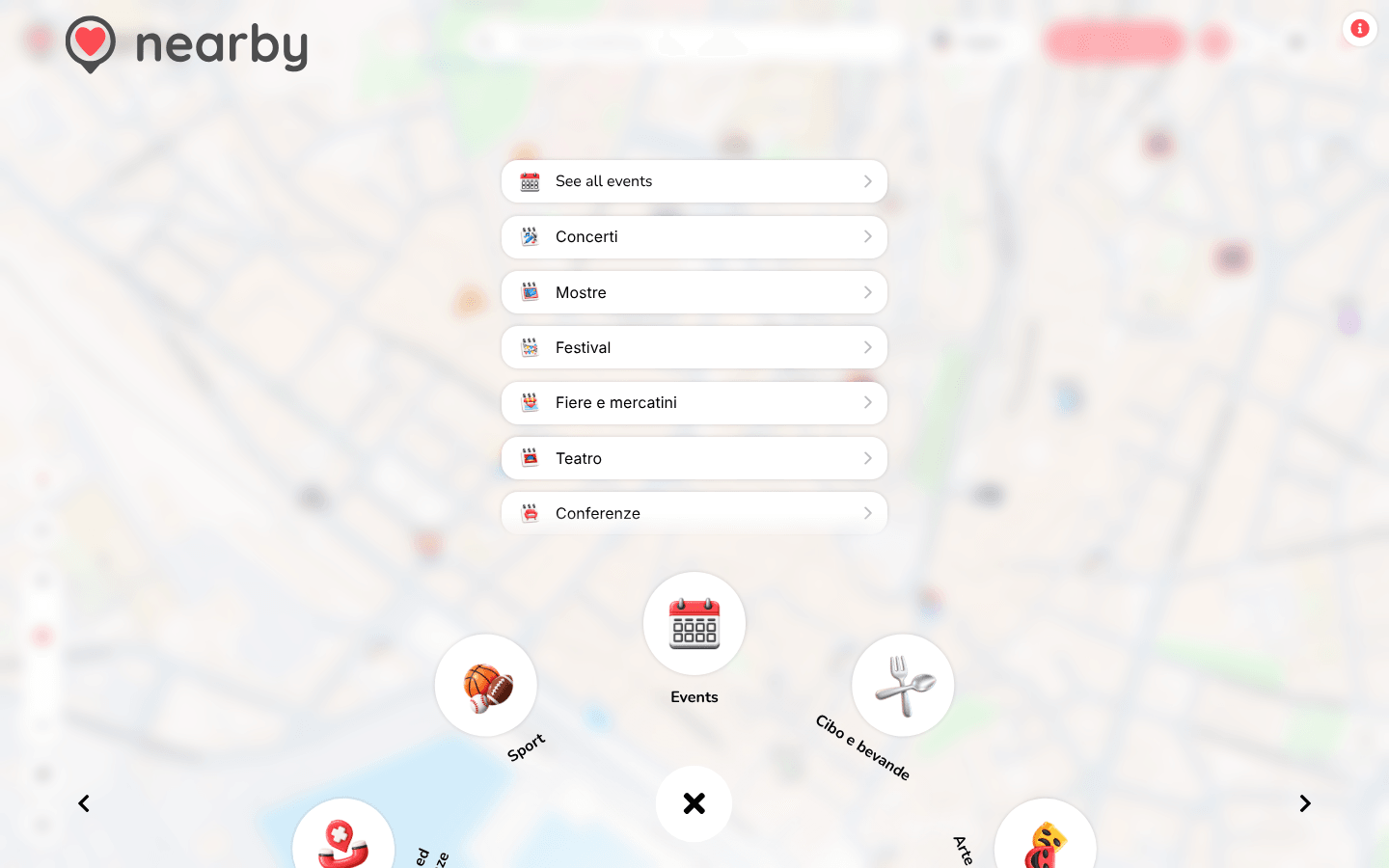
The Experience Wheel brings together all of Nearby's categories. You open it with the compass button on the map, and it fills the whole screen.
- The first item is Events, followed by the main place categories (Leisure, Food, Shops, Nature…).
- Above the wheel you'll see the subcategories of the selected item: for events, See all events and each event category; for places, their subcategories. Each one opens the category page.
- The ✕ in the centre closes the wheel.
- 📱 Web mobile
- 💻 Web desktop
- 📲 App
Spin the wheel by dragging it with your finger or with the ‹ and › arrows.
Spin the wheel by dragging it with the mouse, with the ‹ and › arrows or by scrolling sideways on the trackpad.
Coming soon
The guide of the app is on its way
We are preparing the pages about the Nearby Community app for iPhone and Android, with its screens. In the meantime you can download it for free from the stores.